
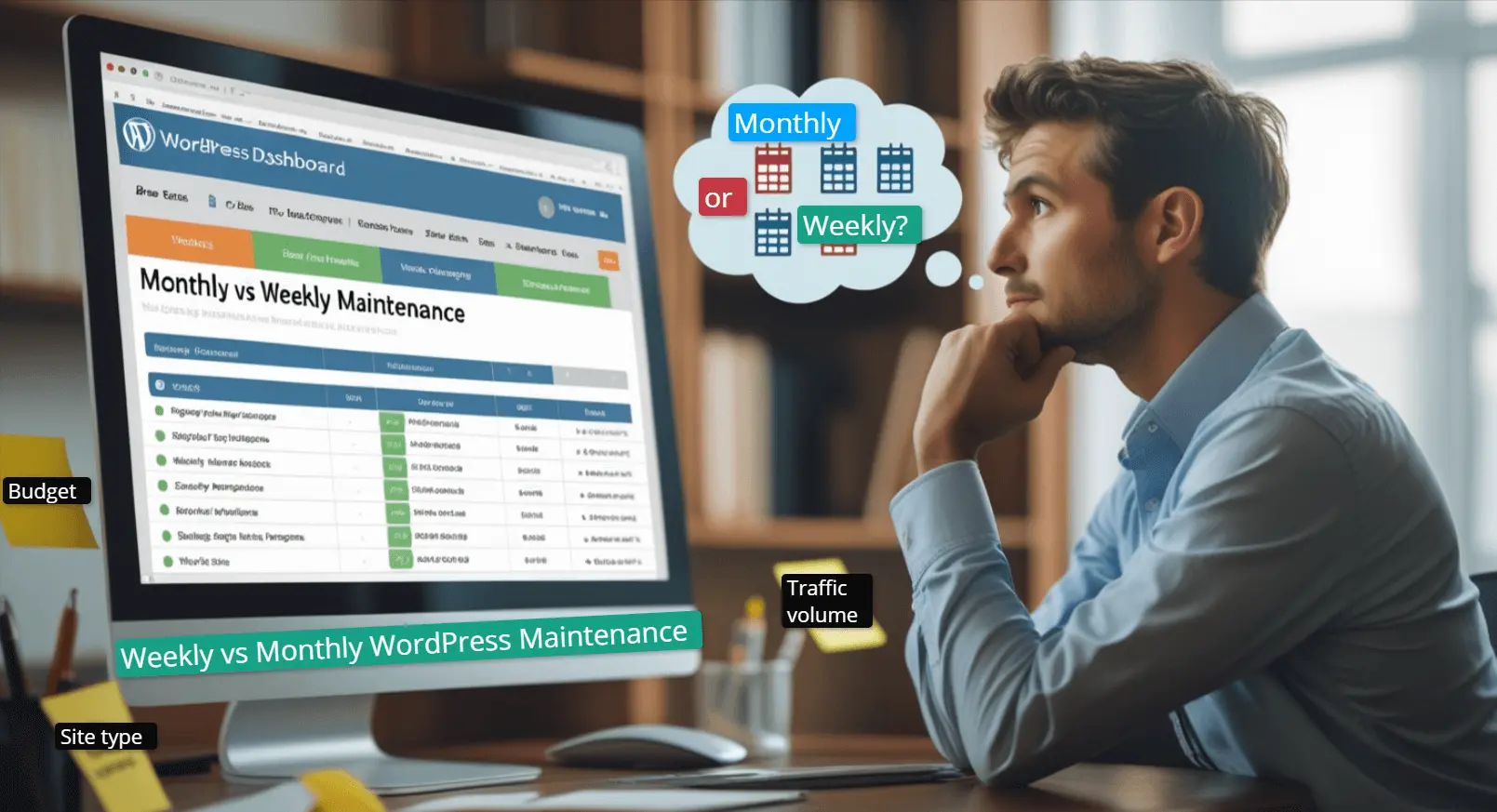
Your WordPress site is like a high-performance race car that needs regular upkeep to win races. Yet most businesses make this mistake with their websites. Monthly WordPress maintenance works as your magic wand to keep things running smoothly. However, weekly maintenance can make a big difference when performing spontaneously at the highest level.
As a business owner, you’ve likely asked: “Should I update and maintain my site weekly or monthly?” The answer isn’t always simple, depending on your site’s size, traffic, and goals.
With this guide, you will learn the differences between monthly WordPress maintenance and weekly care. Also, you will learn when monthly checkups are enough and why some site needs weekly attention. Lastly, you will learn to customize maintenance without hurting your bank.
Why WordPress Maintenance is Essential
WordPres maintenance is like brushing your teeth, which will create problems if you're not regular. Regular WordPress maintenance is crucial to maintain your site’s security, speed, and search engine visibility. Let’s learn why both weekly and monthly WordPres maintenance is non-negotiable:
Protect Your Business from Threats
Since WordPress is powering up more than 43% of sites, it's a popular target for cybercriminals. One of the biggest reasons for WordPress's security vulnerability is outdated software. Even low-traffic sites are under security threats from automated bots.
With a regular maintenance checklist, you apply the right security patch that strengthens the firewall via malware scans. Thus, your and the customer’s data stay safe if you are applying monthly WordPress maintenance or weekly.
Speed Directly Impacts Success
After security, speed is the second-best feature of a site that needs attention via regular maintenance. A slow website stays in a lower position on search engine results due to poor user engagement.
One second of delay in page loading time equals a 7% decrease in conversion rate. Besides, Google prefers a well-optimized website that loads every page with minimal delay. This clearly indicates that your site will get buried under competitors with poor performance.
Note: Maintenance tasks like database optimization, image optimization, and caching help your site run at a satisfying speed.
Avoid Costly Downtime
Imagine what happens when your website goes down during a significant product launch or sale? You can lose hours or even days recovering lost data or fixing serious errors without backup and monitoring.
Surprisingly, 93% of companies that lose the majority of their data without any backup close their operation within a year. Weekly or Monthly WordPress maintenance gives you automatic backups, uptime monitoring, and quick disaster recovery. Thus, you won't lose business since you can prevent data failures.
Maintain Your Search Rankings
Google doesn't trust sites with slow loading times, security alerts, and broken links. It penalizes those websites to lower their rank on search engine visibility.
Issues like 404 errors or poor core web vitals can damage your site's traffic volume. Besides, saerch engine blacklists over 10,000 wbesites due to malware.
As a result, you must maintain your site on a regular basis to keep it technically sound. This will help you keep your search engine visibility intact and stable.
One thing is clear at this point - Neglecting is far more expensive than prevention. So, choosing between monthly WordPress maintenance and other inspection methods is necessary. Proactive maintenance efforts will save your money and reputation and attract repeat business.
Understanding Monthly WordPress Maintenance
Monthly WordPress is similar to a thorough cleaning service for your website. It makes sure everything is functioning properly and does require constant attention.
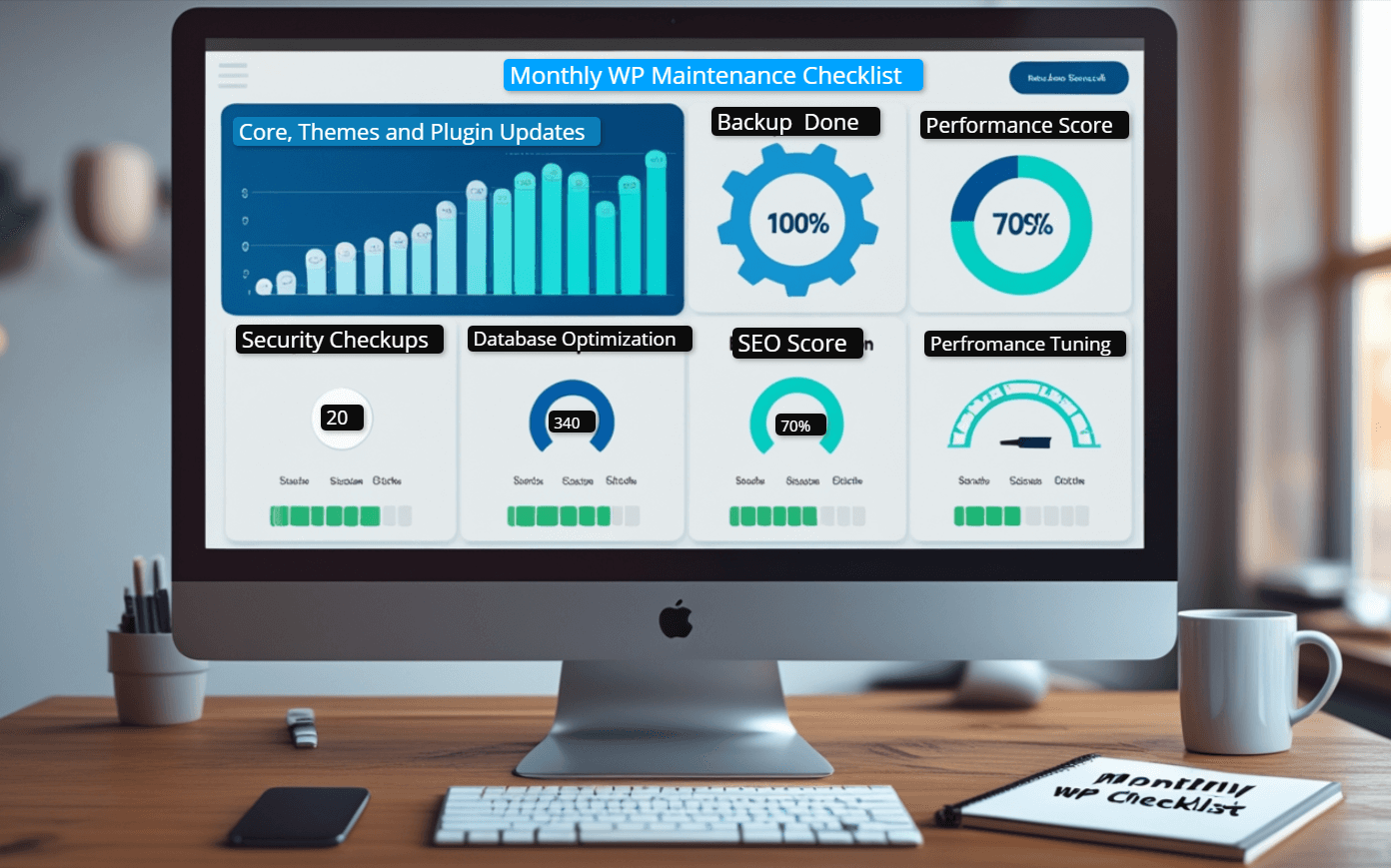
An ideal monthly WordPress maintenance plan usually includes the following:
|
Maintenance Task |
Features |
|
Core, Theme & Plugin Updates |
|
|
Security Scans & Malware Checks |
|
|
Database Optimization |
|
|
Backup Verification |
|
|
Performance Tune-Ups |
|
Pros of Monthly WordPress Maintenance
Here are the benefits of Monthly WordPress maintenance:
-
Cost-Effective – Perfect for bootstrapped companies since it is more reasonably priced than weekly plans.
-
Less Intrusive – Less disturbance for steady, low-traffic sites
-
Structured Approach – Planned maintenance efforts minimize regular supervision of tasks.
Cons of Monthly WordPress Maintenance
Here are some disadvantages of the monthly WordPress maintenance tasks:
-
Slower Threat Response – Vulnerabilities could last weeks before you detect all the issues on your site.
-
Limited for Dynamic Sites – Websites with a large volume of products and posts require regular maintenance.
-
Missed Micro-Issues – Small performance issues can become bigger if you don't maintain your site regularly.
Pro Tip: Combine monthly WordPress maintenance plans with real-time security plugins for better
Monthly vs Weekly WordPress Maintenance: Key Differences
Every WordPress maintenance plan is different, whether it's monthly WordPress maintenance or weekly. The traffic, risk tolerance, and nature of your website influence the best timetable for your company.
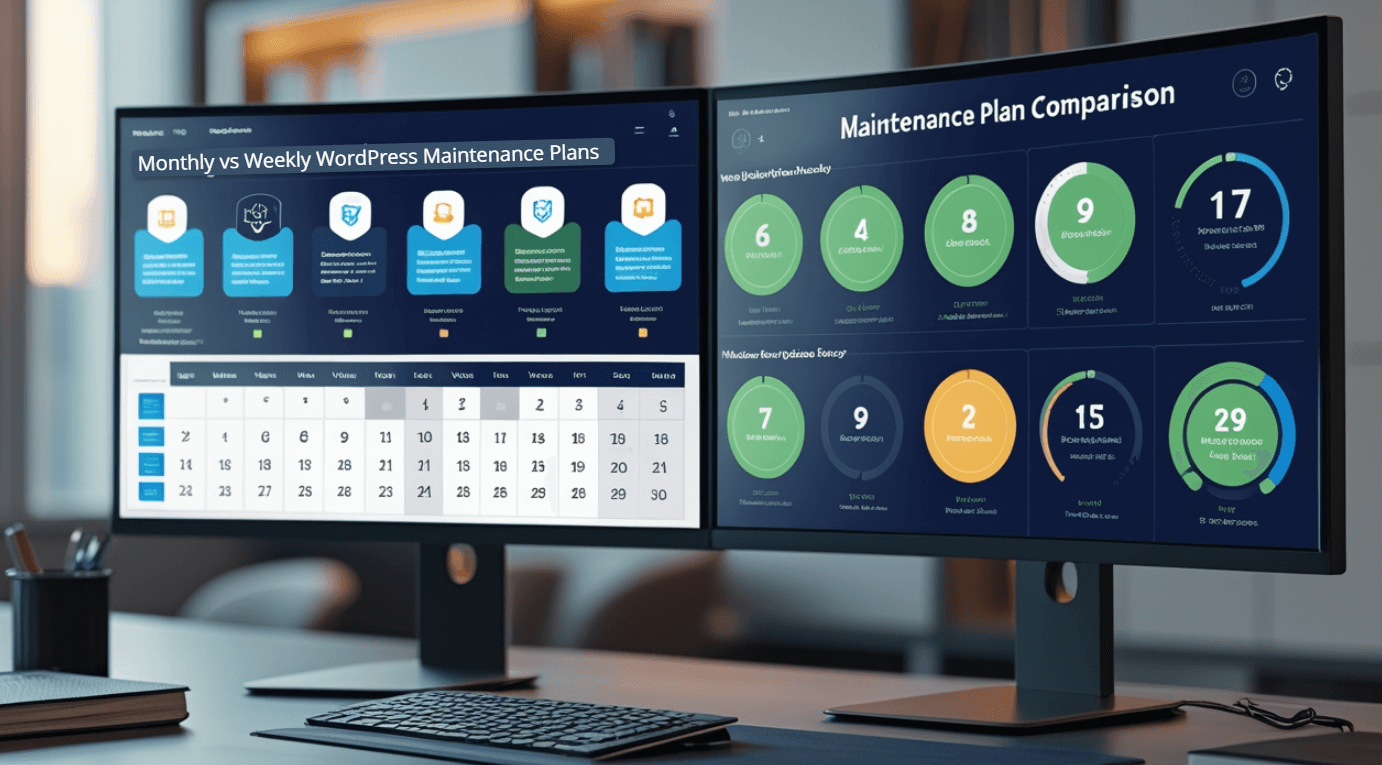
Now, let's examine the primary distinction between weekly and monthly WordPress maintenance so that you can make a wise decision:
|
Feature |
Monthly WordPress Maintenance |
Weekly Maintenance |
|
Frequency & Responsiveness |
A comprehensive checkup is performed once every 30 days. Ideal for stable sites with infrequent updates. |
More frequent oversight, catching issues before they escalate. Best for dynamic sites (e.g., eCommerce, news blogs). |
|
Security & Threat Prevention |
Scans for malware and updates security patches, but emerging threats may go undetected for weeks. |
Proactive monitoring detects vulnerabilities faster, reducing exposure to zero-day exploits. |
|
Performance Optimization |
General speed checks, database cleanup, and caching adjustments keep performance steady. |
Fine-tuned optimizations ensure peak loading speeds, especially for high-traffic sites. |
|
Cost & Resource Allocation |
More budget-friendly, with lower recurring costs. |
Higher investment, but justified for mission-critical websites. |
So, which one should you use?
Implement a monthly WordPress maintenance approach if you own a simple site. The site should not process or contain sensitive data or require frequent updates.
On the other hand, go for weekly maintenance if your business requires maximum uptime, fast loading speed, and ironclad security.
Here is a quick look at the best use cases of weekly vs monthly WordPress maintenance:
|
Factor |
Monthly Maintenance |
Weekly Maintenance |
|
Site Type |
Brochure sites, small blogs |
eCommerce, membership sites |
|
Update Frequency |
Rare content changes |
Daily posts/transactions |
|
Traffic Volume |
Low to moderate |
High (10 K+ visitors/month) |
|
Risk Tolerance |
Minimal security concerns |
Handling sensitive customer data |
Choosing The Perfect Maintenance Option For Your Business
Selecting between a weekly and a monthly WordPress maintenance approach is not just picking one randomly. It's about choosing one that syncs with your unique business objectives. Using a sledgehammer to hang a picture frame is not logical. Similarly, paying for intensive weekly maintenance tasks is not budget-friendly.
Let's explore how to make this crucial decision with confidence.
Evaluate Your Website’s Complexity
Evaluate the following criteria before choosing a weekly or monthly WordPress maintenance service:
-
Simple sites (5-10 pages, basic functionality): Monthly maintenance is typically sufficient
-
Complex sites (WooCommerce, membership portals): Weekly checks prevent revenue-impacting issues
-
Custom-coded elements: More frequent reviews catch compatibility problems early
Analyze Your Traffic Patterns
Traffic pattern varies from website to website, which requires you to take the following approaches:
-
Under 10,000 monthly visitors: Monthly maintenance usually maintains performance
-
Over 50,000 visits: Weekly optimizations keep speed consistent during traffic spikes
-
Seasonal businesses: Consider switching plans during peak periods
Consider Your Risk Factors
Consider the following risk factors based on your website type and choose your maintenance approach:
-
E-commerce sites: Weekly security scans are non-negotiable for PCI compliance
-
Lead generation sites: Monthly may suffice if not handling sensitive data
-
Reputation-sensitive businesses: Weekly monitoring protects brand image
Budget Realistically
Consider the following budget planning for implementing weekly or monthly WordPress maintenance plans:
-
Startups: Begin with monthly, upgrade as you grow
-
Established businesses: Weekly maintenance often pays for itself in prevented disasters
-
DIY options: Some tasks can be automated to reduce professional service costs
Pro Tip: Get a hybrid weekly or monthly WordPress maintenance plan. This means weekly security scans with basic features and monthly with deep cleaning.
When to Switch from Monthly to Weekly WordPress Maintenance
Your maintenance program can change alongside your site’s requirements.
Routine wordpress maintenance is recommended for most businesses. However, it may not be enough as your site evolves. It's time to shift your wordpress maintenance frequency from monthly to weekly when your site is having the following signs:
-
Regular updates for plugins or themes: Avoiding this makes your site vulnerable.
-
Higher traffic or user activity: Growing traffic requires focus on performance and security measures.
-
Security risks or downtime: Weekly maintenance coverage will be helpful when your site is hacked before or has bugs.
-
SEO performance declines: Unoptimized plugins and slow page loading speed can affect your site’s ranking negatively.
Sticking with the monthly WordPress maintenance package can cost you visibility, security, and trust from users. On the other hand, Weekly maintenance helps maintain better response time, performance monitoring, and issue resolving capabilities even before they occur. This means weekly maintenance is a wise investment when constant growth is underway.
Expert Tips for Choosing the Right Maintenance Partner
Every WordPress maintenance service provider won't offer you equal services. Choosing the wrong one can downgrade your site in terms of performance and SEO. You will get more than just a checklist while looking for an ideal weekly or monthly WordPress maintenance service.
Here’s what to look for:
-
WordPress expertise: Ensure they specialize in WordPress, not just general web services.
-
Transparent pricing: Avoid hidden fees. A reliable provider clearly outlines what's included in each plan.
-
Proactive support: Look for a team that prevents issues, not just reacts to them.
-
Regular reports: Monthly or weekly summaries should show what was done and any issues resolved.
-
Emergency response: Downtime and hacks can happen anytime. Ensure they offer rapid, 24/7 support.
-
Reviews and case studies: Service providers with a proven track record and regular communication can ensure a well-performing site.
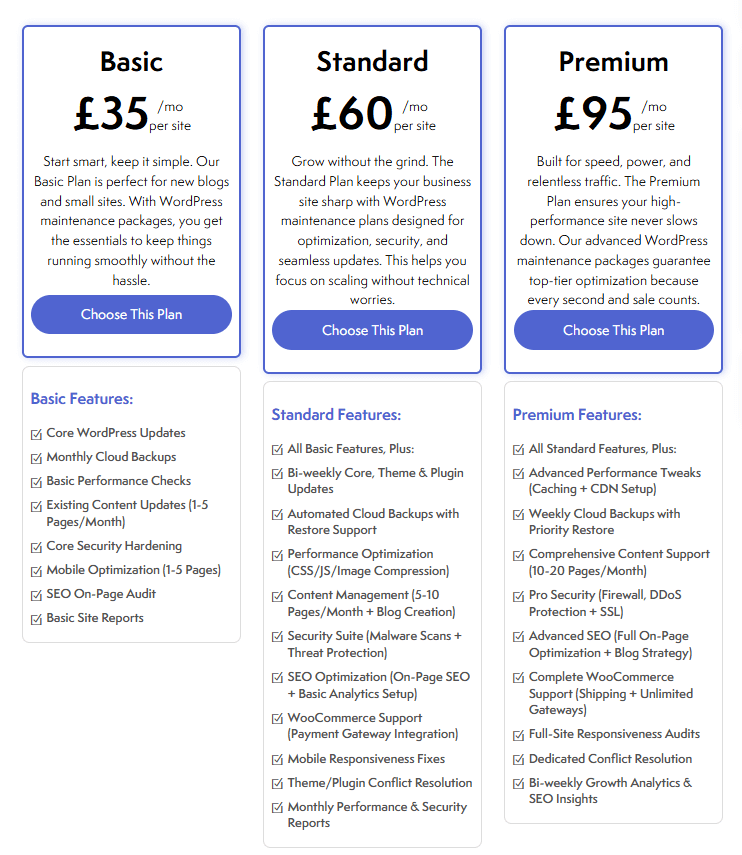
Spending on the right maintenance partner can turn your monthly WordPress maintenance plan into an effective growth strategy. This is where Thempaste comes in with its perfect WordPress maintenance service package.
Conclusion: Choose What’s Best for Your Business Goals
There is no all-in-one solution to maintain your WordPress site for the best performance. However, monthly WordPress maintenance offers you a balanced approach for smaller sites.
On the other hand, weekly maintenance provides better support for sites with high traffic, dynamic content, or frequent changes in content.
You simply need to align your maintenance schedule with your business requirements, growth plans, and risk tolerance. Avoiding updates and security checks can result in costly downtime and a negative reputation.
You need to make sure your maintenance approach is proactive and constantly implements all the maintenance tasks. Choose a plan that can adapt to your business growth and keep your site running smoothly.
FAQs (Frequently asked questions)
Q. Is monthly WordPress maintenance enough for a small business website?
Yes, if your site is static with low traffic and minimal updates, monthly WordPress maintenance is usually sufficient. It ensures essential updates, backups, and security checks without overwhelming your budget.
Q. What happens if I skip WordPress maintenance altogether?
Skipping maintenance can lead to outdated plugins, security vulnerabilities, slow loading times, and even site crashes. Over time, this can harm your SEO rankings and user trust.
Q. Can I switch from monthly to weekly maintenance later?
Absolutely. As your site grows or your business needs change, you can easily upgrade from a monthly WordPress maintenance plan to a weekly schedule for better performance and protection.
Q. How much does weekly WordPress maintenance typically cost?
Prices vary depending on the provider and services included. Weekly plans generally cost more than monthly ones but offer more frequent updates, real-time monitoring, and faster support.
Q. Do I need a maintenance plan if my site rarely changes?
Even static websites need routine maintenance to stay secure and compatible with the latest WordPress updates. A monthly plan is a smart, low-effort way to keep things running smoothly.
- Multiple shipping options in WooCommerce
- WordPress website security
- WordPress migration process
- Implementing WooCommerce Subscription
- High-converting landing pages in WordPress
- Weekly vs monthly WordPress maintenance
- email delivery failure in WordPress
- WordPress maintenance checklist
- WordPress chatbot plugins to enhance customer support
- WordPress website design


